Sagar Club opened its doors on 20 October 2026. If you’ve used 6club you’ll recognise some of the thinking behind it — it’s the second platform from the same company — but Sagar Club is its own thing, with its own account, its own lobby and a much smaller app.
On this page
What’s in the lobby on day one
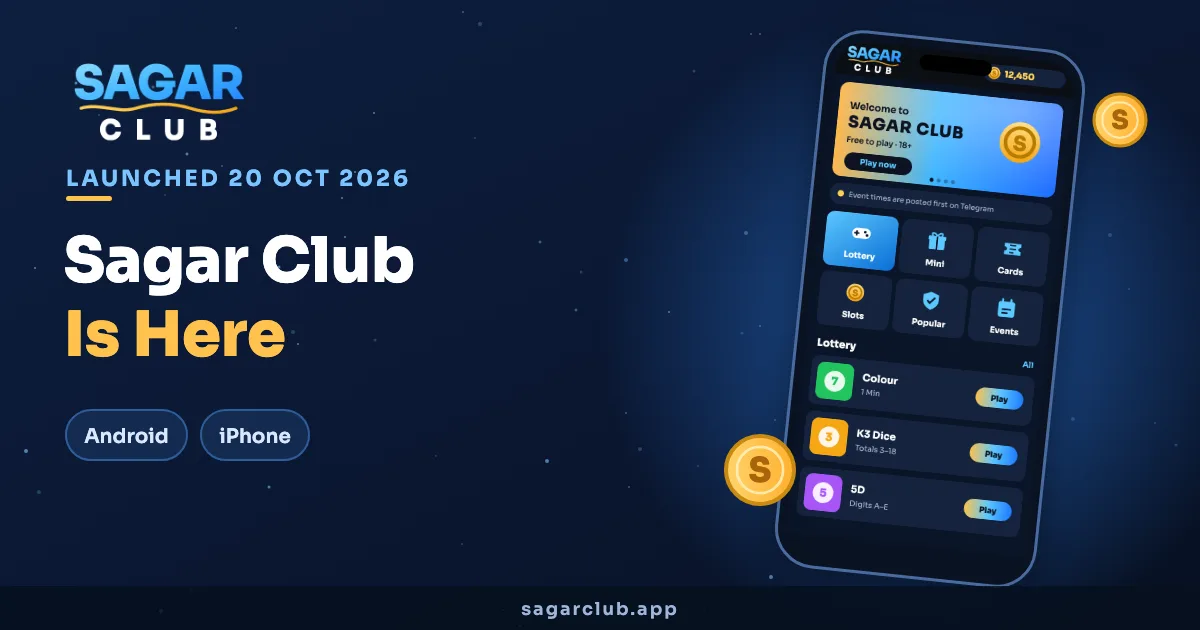
The launch lobby has more than 1000 games split into six sections:
| Section | What’s there |
|---|---|
| Lottery | Colour prediction, K3 dice, 5D |
| Mini | Short arcade rounds |
| Cards | Rummy-style and classic tables |
| Slots | Themed reels |
| Popular | Most-played this week |
| Events | Time-limited rounds and the daily check-in |
Lottery opens by default, which makes colour prediction the first game most people try. It’s a good choice — the rules fit on one screen.
A 3 MB app
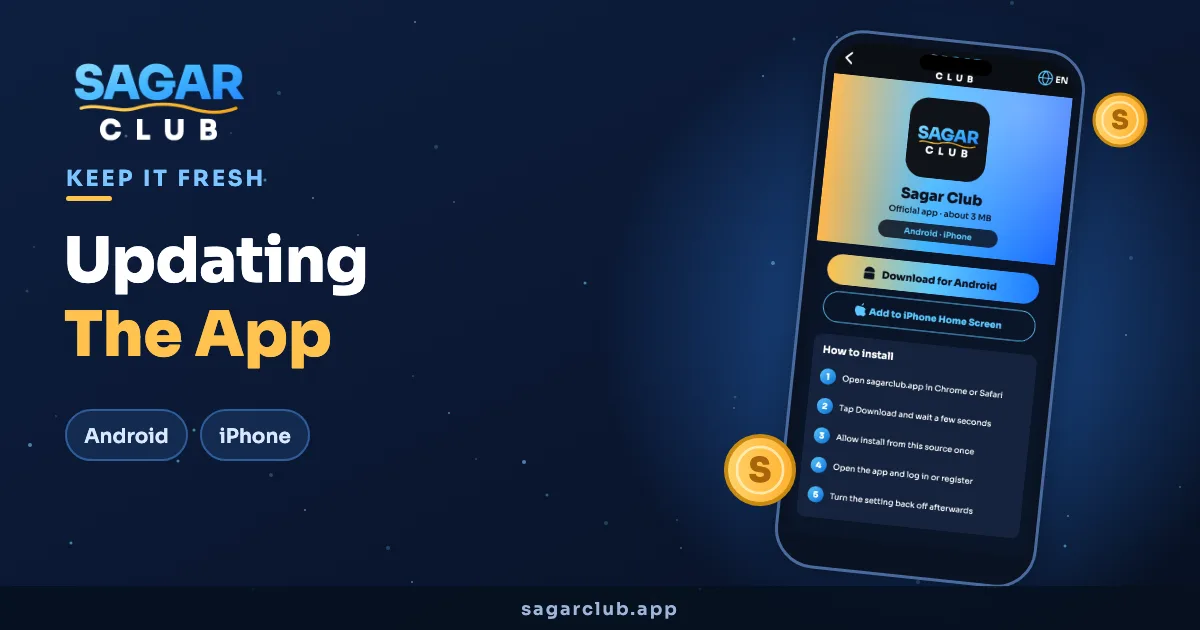
The thing early players mention most is the size. The Android app is about 3 MB, which is unusual — plenty of games apps are a hundred times that. On iPhone you add Sagar Club to the home screen from Safari and it behaves like an app. Details are on the app download page.
Signing up
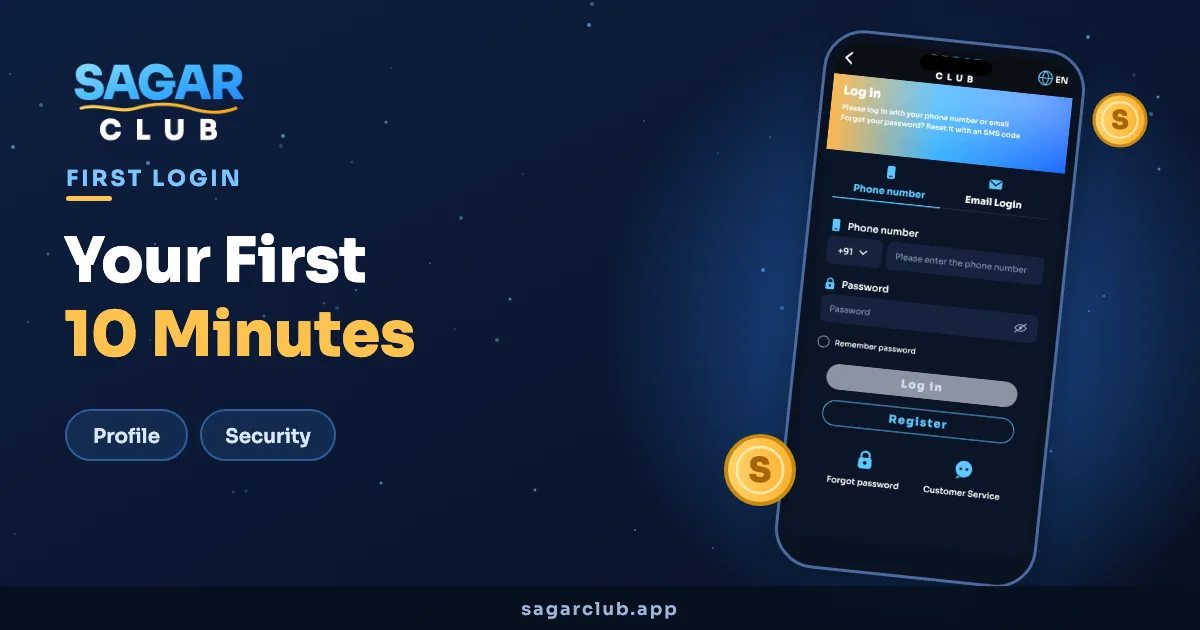
Registration uses your phone number, a password and an SMS code. If a friend is already on Sagar Club they can send you an invite code to paste in at sign-up. The whole thing takes about a minute — here’s the walkthrough.
Launch-week extras
- The daily check-in is live from day one — start your seven-day streak early.
- Gift codes are posted on the official Telegram channel.
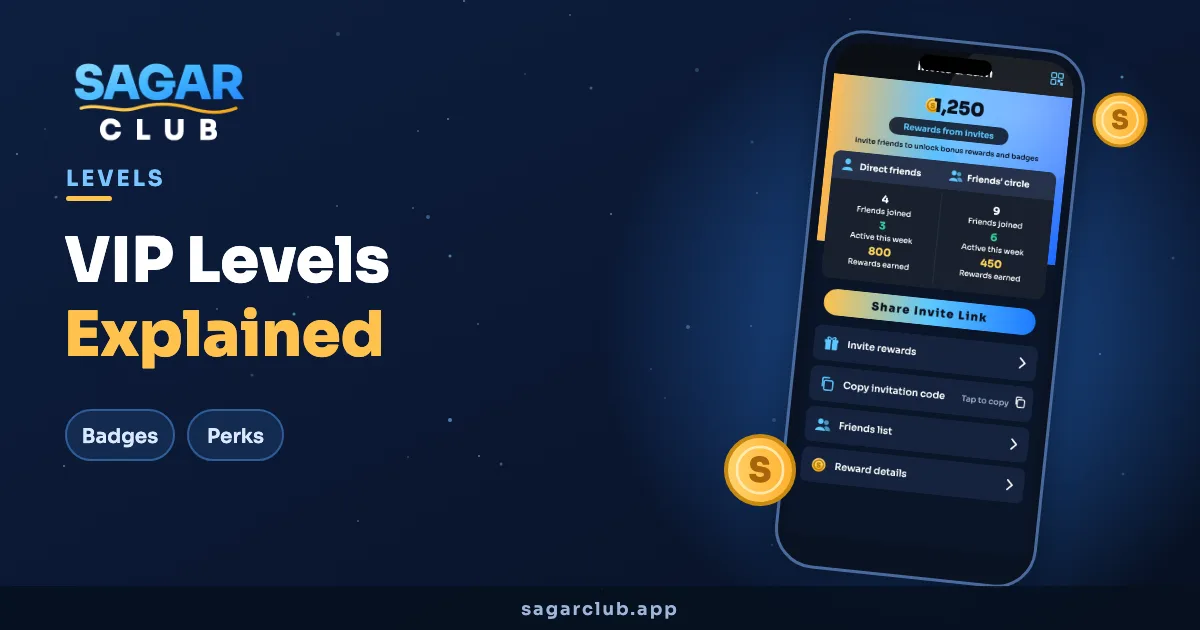
- Invite & Earn is open, so friends who join with your code count towards your invite rewards.
Where to follow updates
New games, events and codes are announced first on t.me/sagarclub. We’ll keep this site’s guides updated as the app changes.
What players asked about in the first days
- Do I need a new account if I’m on 6club? Yes — they’re separate platforms.
- Is there an iPhone app? Add it to your home screen from Safari.
- Where are gift codes? Only on the official Telegram channel.
If you’re just starting, the Sagar Club beginner guide is the best next read.