
Play together
Sagar Club Invite Friends
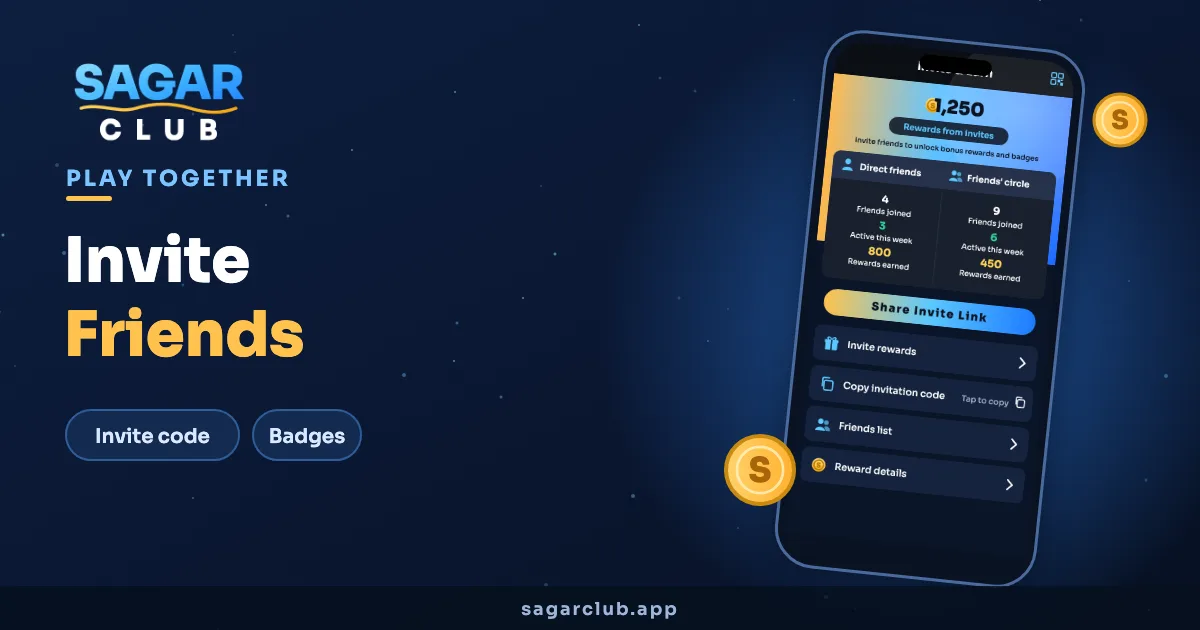
Games are better with people you know. Sagar Club gives every player an invitation code; friends who join with it are linked to you and count towards your invite rewards and badges.
On this page
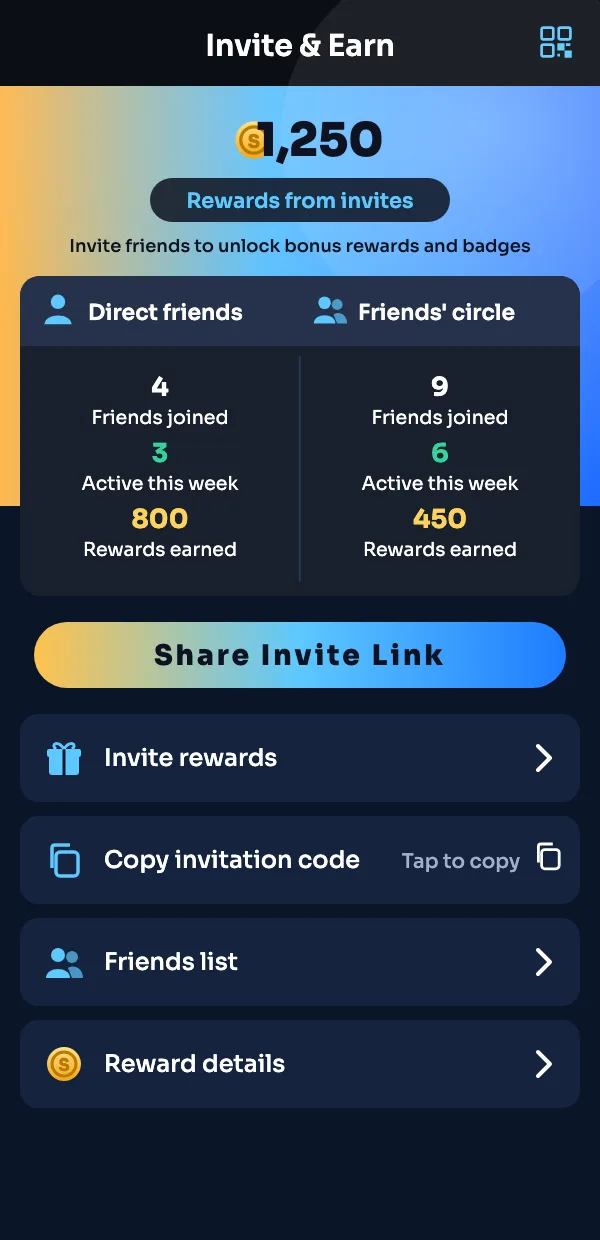
The Invite & Earn screen
- Rewards from invites — the total you’ve collected so far.
- Direct friends — people who used your code.
- Friends’ circle — friends your friends invited.
- Share Invite Link — sends your link to WhatsApp, Telegram, anywhere.
- Copy invitation code — for friends who’d rather type it in.
Inviting a friend, step by step
- Open the app and tap Invite & Earn.
- Tap Share Invite Link and choose WhatsApp or Telegram.
- Your friend opens the link and registers — the code is filled in for them.
- Once they’ve joined and played, they appear in your Direct friends list.
Inviting the right way
Invite people who’d actually enjoy the games, and only adults. Spamming groups with links annoys everyone and can get an account flagged. One honest message to a few friends works better than a hundred forwards.
- Never create extra accounts to invite yourself — they get closed.
- Send friends the beginner guide so they’re not lost on day one.
- Tell them about the Telegram channel for gift codes.
Checking invite rewards
Tap Reward details on the invite screen for a full list: who joined, when, and what each brought in. If a friend says they used your code but doesn’t appear, ask them to check the invite code field was filled when they registered — it can’t be added afterwards.
A message you can send
Something short and honest works best: “I’ve been playing Sagar Club — small app, quick games. If you want to try it, here’s my link. You need to be 18+.” No promises, no pressure. Friends who are actually interested will join; the rest won’t mind.
Direct friends vs friends’ circle
Direct friends used your code. Friends’ circle shows people they invited. Both appear on the invite screen so you can see how your group is growing.
Invite questions
Where is my Sagar Club invitation code?
On the Invite & Earn screen, under Copy invitation code.
Can a friend add my code after registering?
No, it has to be entered at sign-up.
Is there a limit on invites?
Check Reward details in the app for the current rules.