
Quick fixes
Sagar Club Login Problems
Can’t get into Sagar Club? Work down this page in order. The first fixes solve most cases in under a minute; the last ones are for the stubborn problems.
On this page
- Start here: the 30-second checks
- Error messages and what they mean
- The OTP / SMS code isn’t arriving
- The app opens but won’t load
- Login works in the browser but not in the app (or the reverse)
- When to contact support
- Problems on iPhone specifically
- Problems on budget Android phones
- Login problem questions
- Keep reading
Start here: the 30-second checks
- Is your internet working? Open any other site to check.
- Is it the right number — +91, ten digits, no leading 0?
- Is it the password, not an old SMS code?
- Is the app up to date?
Error messages and what they mean
| Message | Meaning and fix |
|---|---|
| Incorrect password | Password doesn’t match. Try once more slowly, then reset it. |
| Account does not exist | That number isn’t registered. Typo, or you never finished signing up. |
| Too many attempts | Stop for a while before trying again, or reset the password. |
| Network error | Switch Wi-Fi ↔ mobile data; turn off any VPN. |
| Session expired | You logged in on another phone. Just log in again. |
The OTP / SMS code isn’t arriving
This is the most common Sagar Club login problem in India, and it’s nearly always on the phone side:
- DND settings — full Do-Not-Disturb on Jio, Airtel or Vi can block some service SMS. Switch to partial DND.
- Full inbox — older phones stop receiving SMS when storage is full.
- Wrong SIM — on dual-SIM phones, the registered SIM must be on.
- Weak signal — step outside or near a window, then resend after 60 seconds.
The app opens but won’t load
- Close the app fully (swipe it away) and reopen.
- Settings → Apps → Sagar Club → Storage → Clear cache (not Clear data).
- Check for an update on the app download page.
- Still blank? Uninstall, restart the phone, install fresh.
Login works in the browser but not in the app (or the reverse)
That points at the app itself, not your account. Reinstalling fixes it almost every time. Your account, coins and progress live on the server, so nothing is lost.
When to contact support
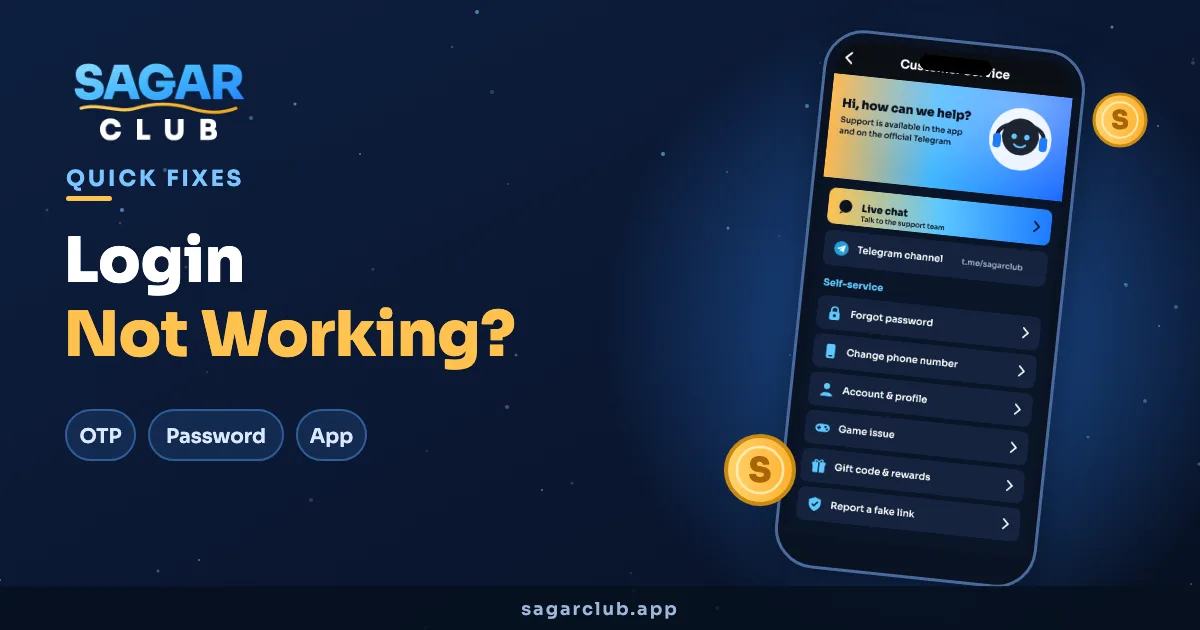
If you’ve done everything above, or you think someone else got into your account, go to Sagar Club customer service. Include:
- Your registered number (never your password).
- The exact error message, or a screenshot.
- Your phone model and whether you use the app or browser.
Problems on iPhone specifically
- Home-screen app shows an old page — remove it from the home screen and add it again from Safari.
- Safari won’t stay logged in — Settings → Safari → turn off “Block All Cookies”.
- Private browsing forgets your login every time you close the tab. Use a normal tab on your own phone.
Problems on budget Android phones
- Battery savers can close the app in the background and log you out — exclude Sagar Club from battery optimisation.
- Phone “cleaner” apps often wipe app data; whitelist Sagar Club.
- Keep at least a few hundred MB free; a nearly full phone makes every app misbehave.
Login problem questions
Why does Sagar Club keep logging me out?
Usually because the account is signed in on a second device, or the app was cleared by a phone cleaner app.
Can a VPN stop the Sagar Club login?
Yes, sometimes. Turn it off and try again.
My account is locked — what now?
Give it some time after too many attempts. If it stays locked, contact support.