
Telegram codes
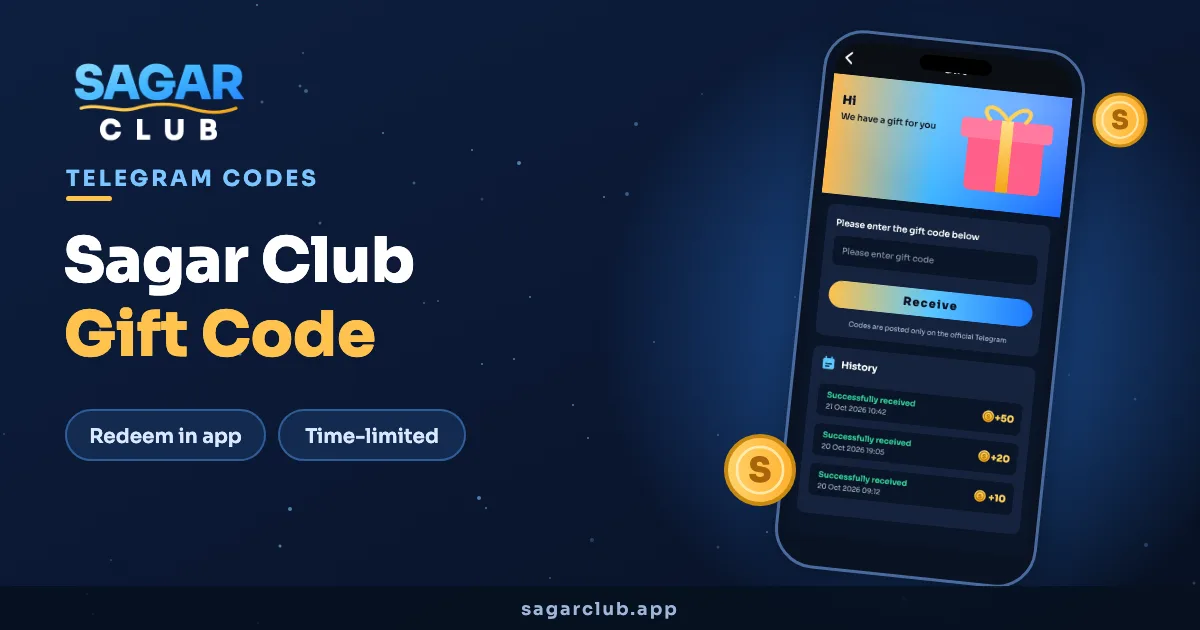
Sagar Club Gift Code
Gift codes are short codes that add a reward to your Sagar Club account. They’re posted on the official Telegram channel, they expire quickly, and they’re always free.
On this page
Where to find Sagar Club gift codes
The only place they’re published is the Sagar Club Telegram channel. Codes usually appear around events, festivals and milestones. Turn on notifications for the channel — popular codes run out within hours.
A gift code is never sold. If someone in a group or DM asks you to pay for a “VIP code”, it’s a scam.
Redeem a Sagar Club gift code
- Copy the code from Telegram.
- Open the Sagar Club app and log in.
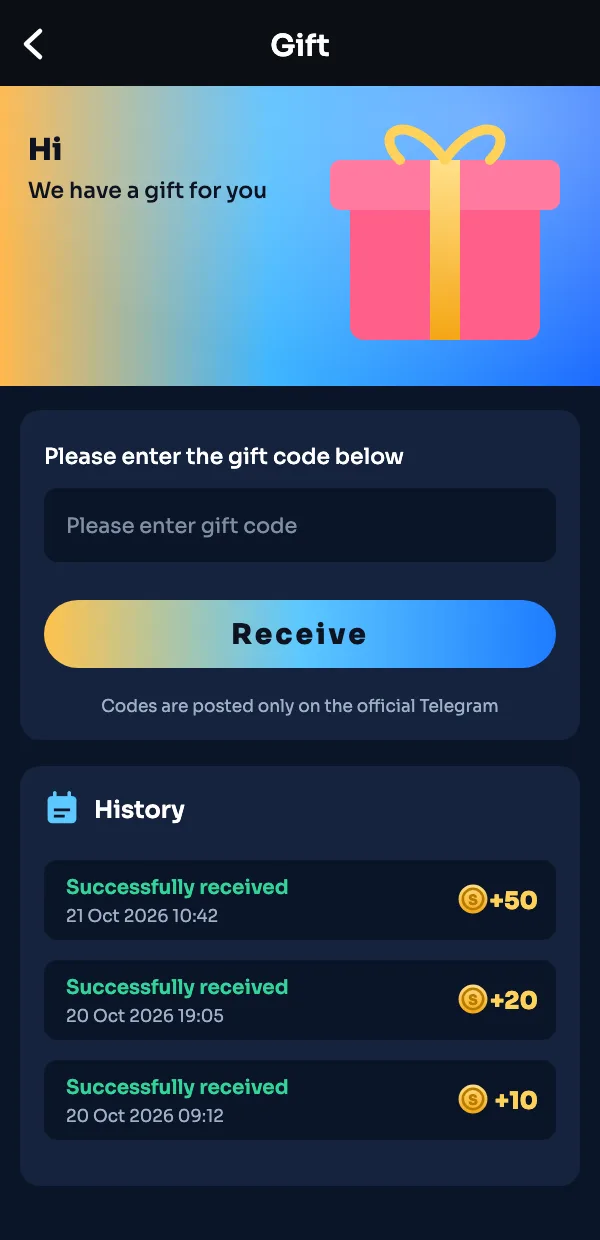
- Go to your profile and tap Gift.
- Paste the code into the box.
- Tap Receive.
- The reward shows in the History list underneath.
Why a code doesn’t work
| Message | Reason |
|---|---|
| Invalid code | A typo, or an extra space when pasting. Retype it. |
| Code expired | Codes have a time limit. Wait for the next one. |
| Already used | Each account can use a code once. |
| Limit reached | Some codes have a fixed number of uses and they’ve gone. |
Getting more codes over time
- Keep Telegram notifications on for the channel.
- Check in daily — codes often go out during event weeks.
- Read the pinned message on the channel; it lists the rules.
Gift code etiquette
Codes are shared publicly on the channel, so there’s no need to beg for them in groups or DMs. If someone offers you a “private” code, assume it’s fake. And please don’t repost codes into unrelated groups with your own links attached — it’s how most of the scam messages start.
Where Gift lives in the app
If you can’t find it: tap the profile icon at the bottom, then look for the gift box. Some versions also show a gift shortcut on the home banner during events.
Gift code questions
Are Sagar Club gift codes free?
Always. Nobody should ever charge for one.
Can I use a gift code twice?
No — one use per account.
Where do I enter a gift code?
Profile → Gift → paste the code → Receive.