
Android · iPhone
Sagar Club App Download
The Sagar Club app is about 3 MB — it installs in seconds and opens straight to your lobby. Here’s how to get it on Android and iPhone, safely, and what to do if the phone complains.
On this page
Quick highlights
| Detail | Sagar Club app |
|---|---|
| Size | About 3 MB |
| Android | APK from the official Sagar Club link |
| iPhone | Add to Home Screen from Safari |
| Price | Free |
| Login | Same phone number and password as the website |
| Games | The full 1000+ game lobby |
Why bother with the app?
You can play Sagar Club in a browser, so the app is a choice, not a requirement. People install it for three reasons: it remembers the login, it opens faster than a browser tab, and it can tell you when an event is about to start. At 3 MB it barely touches your storage.
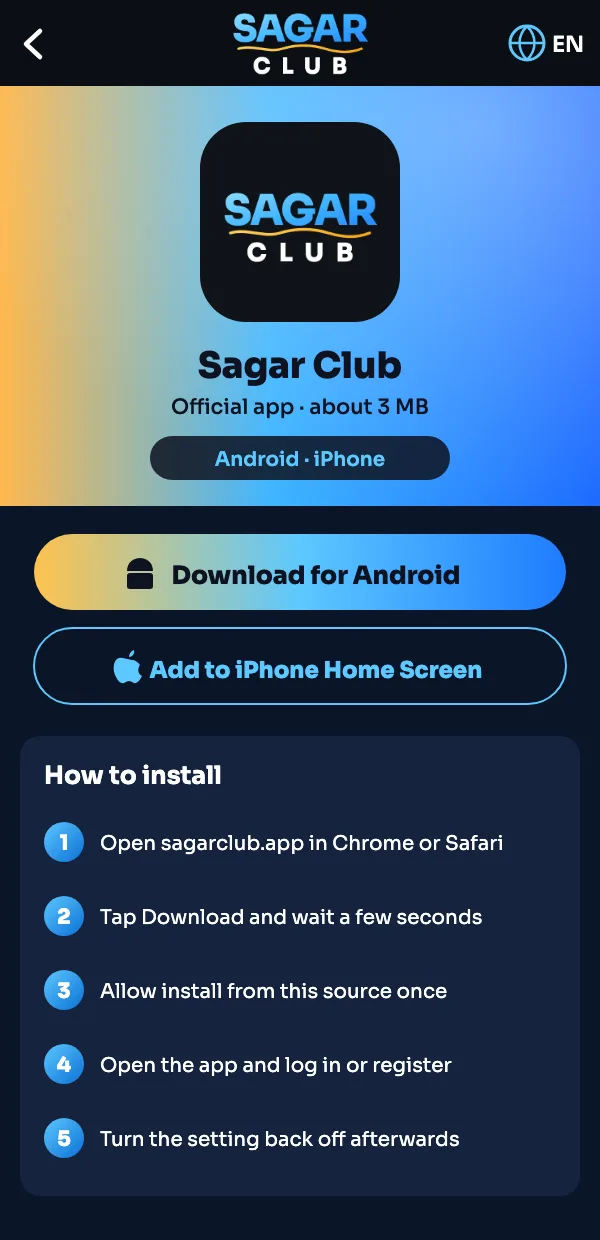
Install on Android
- Tap Download Sagar Club App on this page.
- Wait for the APK to finish downloading (a few seconds).
- Open it from the notification or your Downloads folder.
- If Android asks, allow Install unknown apps for your browser — just this once.
- Tap Install, then Open.
- Log in or register. Then switch the unknown-apps setting back off.
Add to iPhone home screen
- Open sagarclub.app in Safari (not Chrome — the option lives in Safari).
- Tap the Share button at the bottom.
- Scroll and choose Add to Home Screen.
- Keep the name “Sagar Club” and tap Add.
- Open it from the new icon and log in.
It behaves like an app: full screen, its own icon, and it stays signed in.
Download safely
- Only download from a link on this site or the official Sagar Club Telegram.
- A real Sagar Club APK is small — if a file is 50 MB or more, it isn’t ours.
- Never install a “modded” or “hack” version. Those exist to steal logins.
- The app never needs access to your contacts or SMS inbox to work.
Install problems and fixes
| Problem | Fix |
|---|---|
| App not installed | Delete any older Sagar Club app first, then install again. |
| Parse error | The download broke halfway. Delete the file and download again on a steady connection. |
| Blocked by Play Protect | Tap More details → Install anyway. The warning appears for any app from outside the Play Store. |
| Blank white screen | Check your connection, then clear the app’s cache in Settings → Apps. |
| Can’t find the file | Open your browser’s Downloads list. |
Keeping the app updated
When a new version is out, the app shows a prompt on launch. Tap it and the update installs over the old one — your login stays. If you ignore updates for months, some games may stop loading; that’s the usual cause of “it worked last week”.
See also: how to update the Sagar Club app.
Permissions the Sagar Club app asks for
| Permission | Why |
|---|---|
| Internet | Needed — games run online |
| Notifications | Optional — event and check-in reminders |
| Storage | Only to save the downloaded update file |
| Contacts / SMS inbox | Not needed. Deny it if anything asks |
Removing the app
Uninstall it like any other app: long-press the icon and choose Uninstall (Android) or Remove from Home Screen (iPhone). Your account isn’t deleted — log in again any time, on any device.
Sagar Club app questions
Is the Sagar Club app free?
Yes, completely free to download and install.
Is the Sagar Club app on the Play Store?
Download it from the official link on this site. If that changes, the Telegram channel will announce it.
Will the app work on an old phone?
Usually yes — it’s only about 3 MB and was built with budget phones in mind.
Do I need a new account for the app?
No. Use the same Sagar Club login as the website.